Export
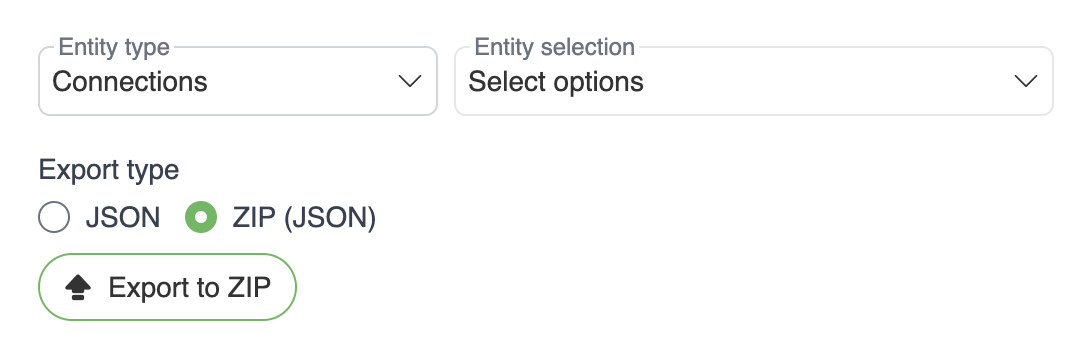
Export tab is used to export entities from the application to JSON/CSV/Excel format for version control. Entities can then be imported to the application using api/v1/import. Exported entities have reference id-s, which will be used to either create/update objects on import. Imported entities can be deleted using /api/v1/delete.
Exportable entities
You can export following entities:
Business rules - Supports JSON/ZIP/CSV/Excel (For CSV/Excel we do not export test case references)
Attribute relations - Supports CSV/Excel
Attribute term relations - Supports CSV/Excel
Attributes - Supports CSV/Excel
Connections - Supports JSON/ZIP
Dynamic rules - Supports JSON/ZIP
Parameters - Supports JSON/ZIP
Terms - Supports CSV/Excel
Term relations - Supports CSV/Excel
Test cases - Can be exported from test cases page
Test suites - Supports JSON/ZIP
Variables - Supports JSON/ZIP
Webhooks - Supports JSON/ZIP
Exports that reference glossary terms by name (term relations, attribute term relations, term custom fields, term mentions in descriptions) write them in the portable term reference format, so the files re-import without editing.
Export types
User can also choose between export types, where:
ZIP – exports objects as separate JSON files packaged into ZIP archive
JSON – exports objects as JSON array, which will be a single JSON file
CSV – Simple comma separated values file
Excel –
.xlsxworkbook with the same columns as the CSV format; convenient for opening directly in spreadsheet tools without import wizards